Data & Security
How producteev.de protects your data.
What a backup contains, where it is stored and how to take your data with you. After that: sign-in, permissions and data protection.
- ZIP of JSON and your files
- Server or your Google Drive
- Restore as a new board
- REST API with OpenAPI
01
Open data
You can check at any time what a copy of your board contains and keep it wherever you like.
You keep the rights
The rights to the boards, cards, comments and files you add stay with you. producteev.de stores, displays and backs them up so the service can work.
Your data is not for sale
The operator does not sell personal data. Without your consent, the website sets no tracking cookie.
Admins can't browse boards
Administrators activate accounts and read the audit log. They get no access to other people’s boards.
Open file formats
A board archive is a ZIP file containing data.json, manifest.json and your original attachments. Any unzip tool can open it, and any JSON viewer can read it.
data.json holds the lists, subpages, tags, projects, custom fields, cards, checklists, blockers and comments. Files are kept unchanged and stored under their id. Their original names are in data.json.
├── manifest.json   counts, checksum
├── data.json       the board as JSON
└── attachments/    your files, by id
    ├── 1           homepage-brief.pdf
    ├── 2           homepage-copy-v3.docx
└── 3 nordlicht-flyer-a5.pdf{
"format_version": 1,
"app": "producteev.de",
"app_version": "1.0.0",
"created_at": "2026-09-24T00:00:00+00:00",
"board": {
"id": 6,
"title": "Team Board",
"kind": "standard"
},
"counts": {
"lists": 5,
"subpages": 4,
"tags": 9,
"projects": 5,
"fields": 0,
"cards": 18,
"comments": 34,
"attachments": 22
},
"includes_attachments": true,
"data_sha256": "5d0e8f3a91c4b27e6f18d0a3c95b4e72a1f6c08d3b9e5a74c2d1f60e8b3a97c4"
}02
Backups
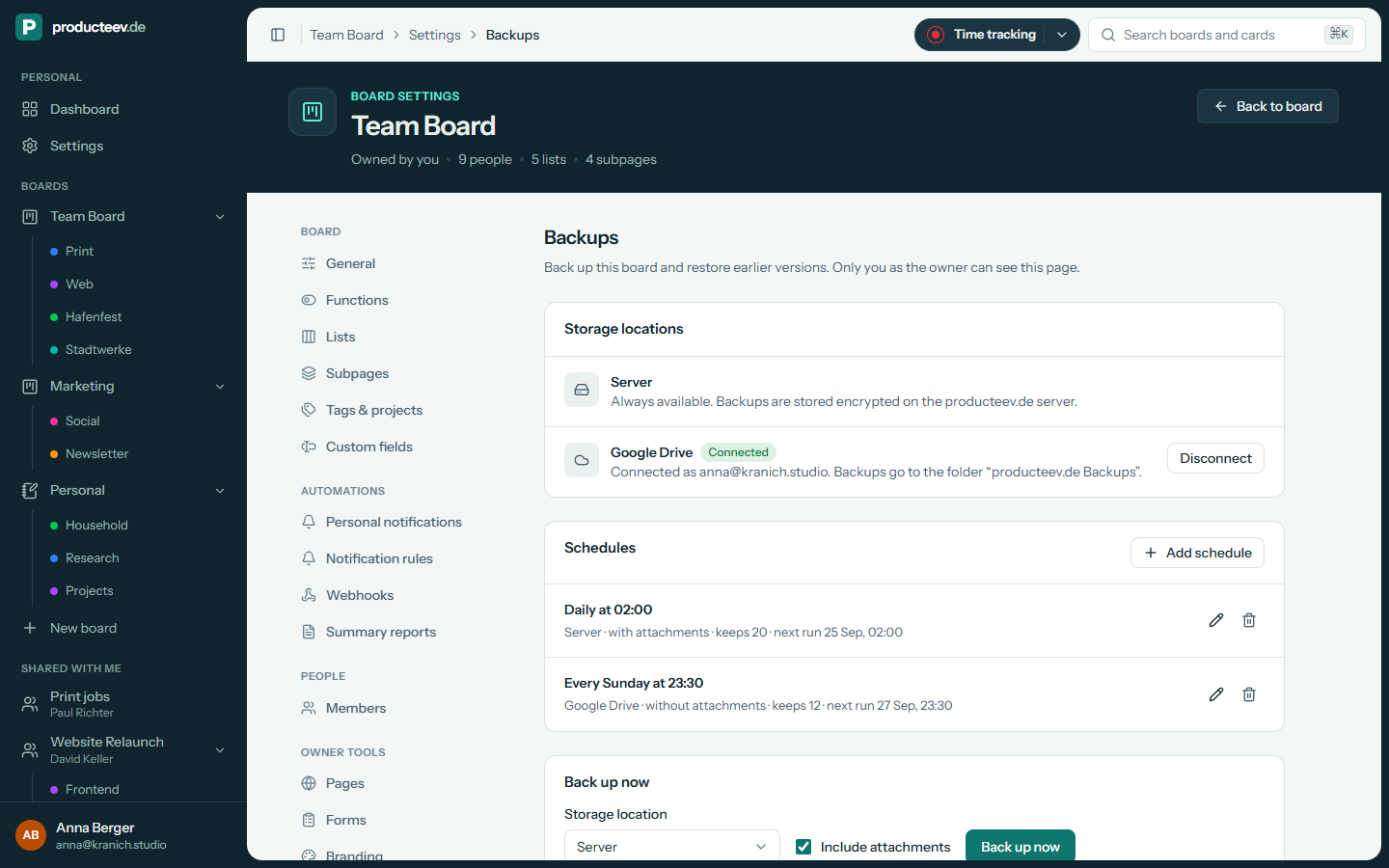
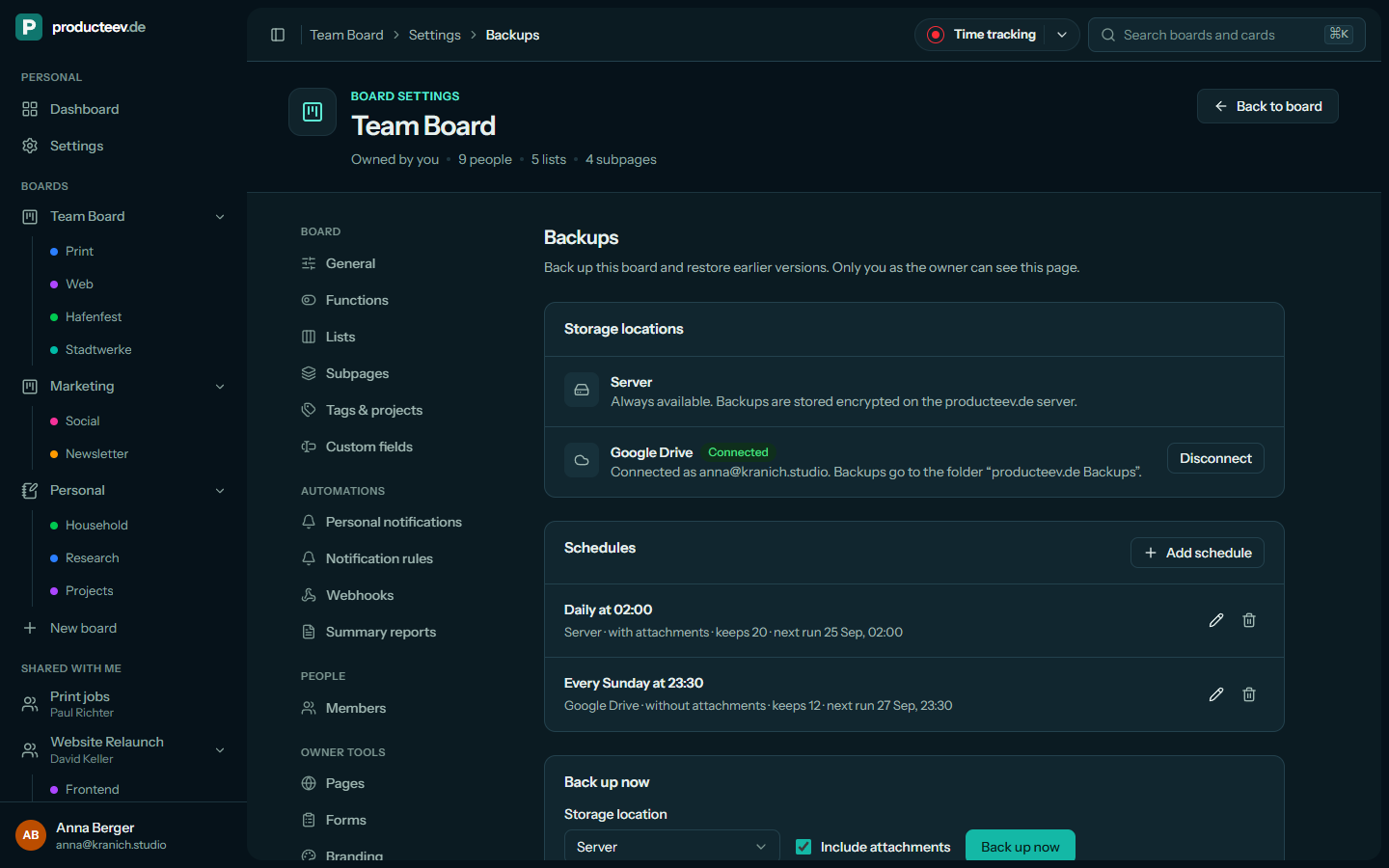
Whoever owns a board can back it up in the web app, right away or on a schedule, with or without attachments.
On the producteev.de server
This destination is always available. Backups are stored encrypted on the producteev.de server.
In your own Google Drive
Backups go to the folder “producteev.de Backups” in your Drive. producteev.de only gets access to the files it creates there.
On a schedule
- At fixed intervals between 10 minutes and 7 days.
- Daily or weekly at a set time in your timezone. Daylight saving time does not shift it.
- Each schedule keeps between 1 and 200 backups, 20 by default. A board can have up to 5 schedules.
- If you disconnect Google Drive, its schedules are paused. The files stay in your Drive.
Back up now
It takes one click on the board’s Backups page. You can make a manual backup every 10 minutes, and the newest 50 are kept.
Download and open anywhere
You can download any stored backup as a file. It is a standard ZIP file with JSON inside and can be read without producteev.de.
03
No lock-in
A backup can be restored as a board at any time. Everything the web app does also goes through the same public API.
Restore as a new board
This creates a new board that belongs to you and has no members yet. The original board stays unchanged. Deleted boards keep their backups, so you can bring them back the same way.
Or replace the board
Lists, subpages, tags, projects, fields and cards are replaced with the state in the backup, and members keep their access. A backup of the current state is made automatically first.
The full REST API
The API covers boards, subpages, cards, custom fields, checklists, comments, attachments, automations, members and history. The API reference is generated from its OpenAPI document.
OAuth 2 with PKCE and board tokens
Apps sign people in with the authorization code flow and PKCE. Scripts use board tokens or personal access tokens with the scopes read, write and manage.
The MCP connection for AI assistants is available on every plan. Board tokens and OAuth apps are part of the power user features.
04
Sign-in
There are four ways to sign in. Additional checks make sure nobody else gets into your account.
Microsoft Entra ID
You can sign in with a work, school or personal Microsoft account. Accounts are matched by tenant and object id, never by email address alone.
Email and password
You confirm your email address before you can open a board or use the API. Each address and IP gets five sign-in attempts per minute.
Passkeys
Sign in with a passkey on this device or a hardware key instead of typing the password.
Two-factor authentication
You set up an authenticator app and receive recovery codes. When you sign in, you also enter the current code.
- Two-factor authentication and passkeys need a password on the account.
- You can’t remove your only way to sign in.
- Sessions end after 8 hours and are renewed at every sign-in.
05
Permissions
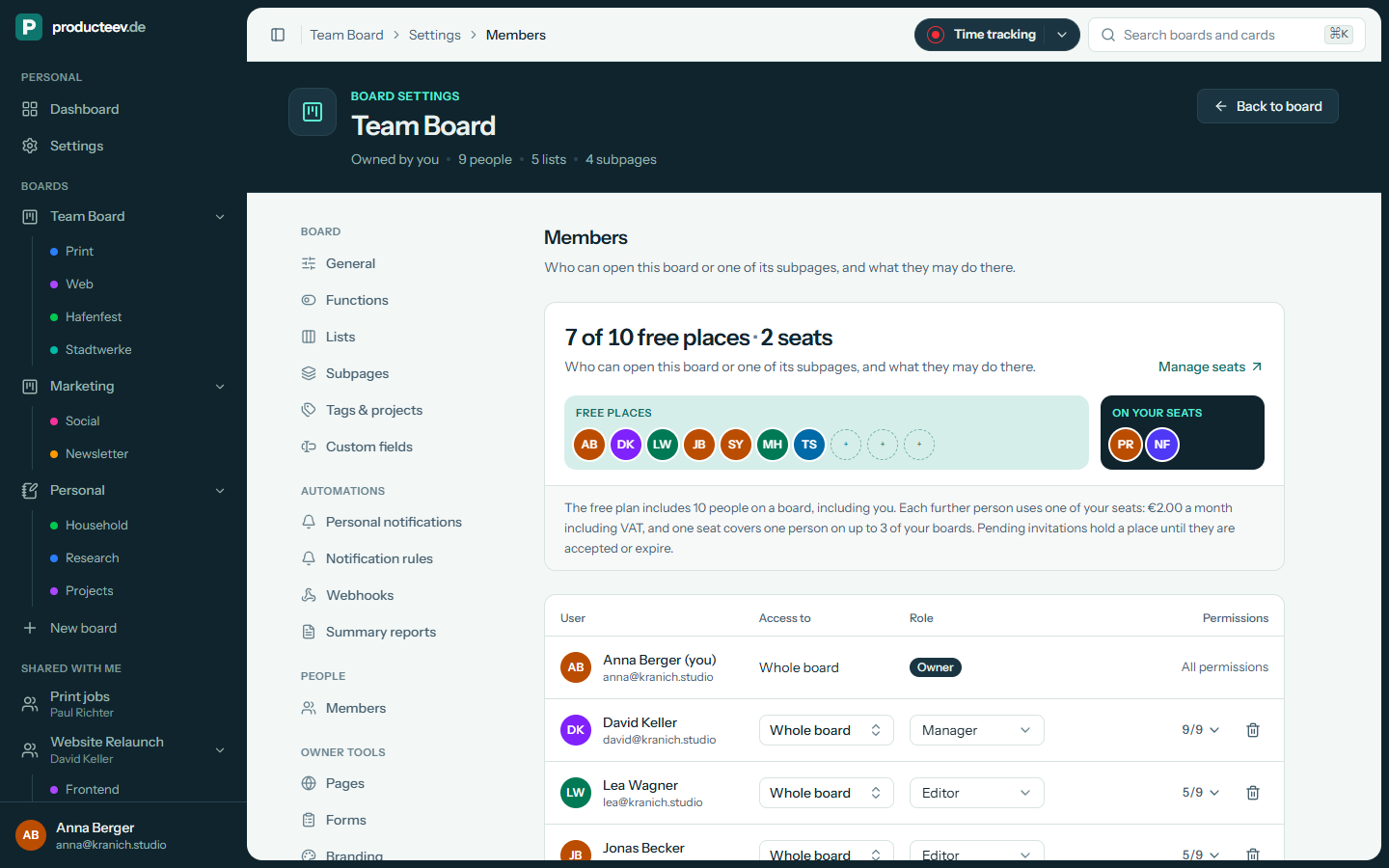
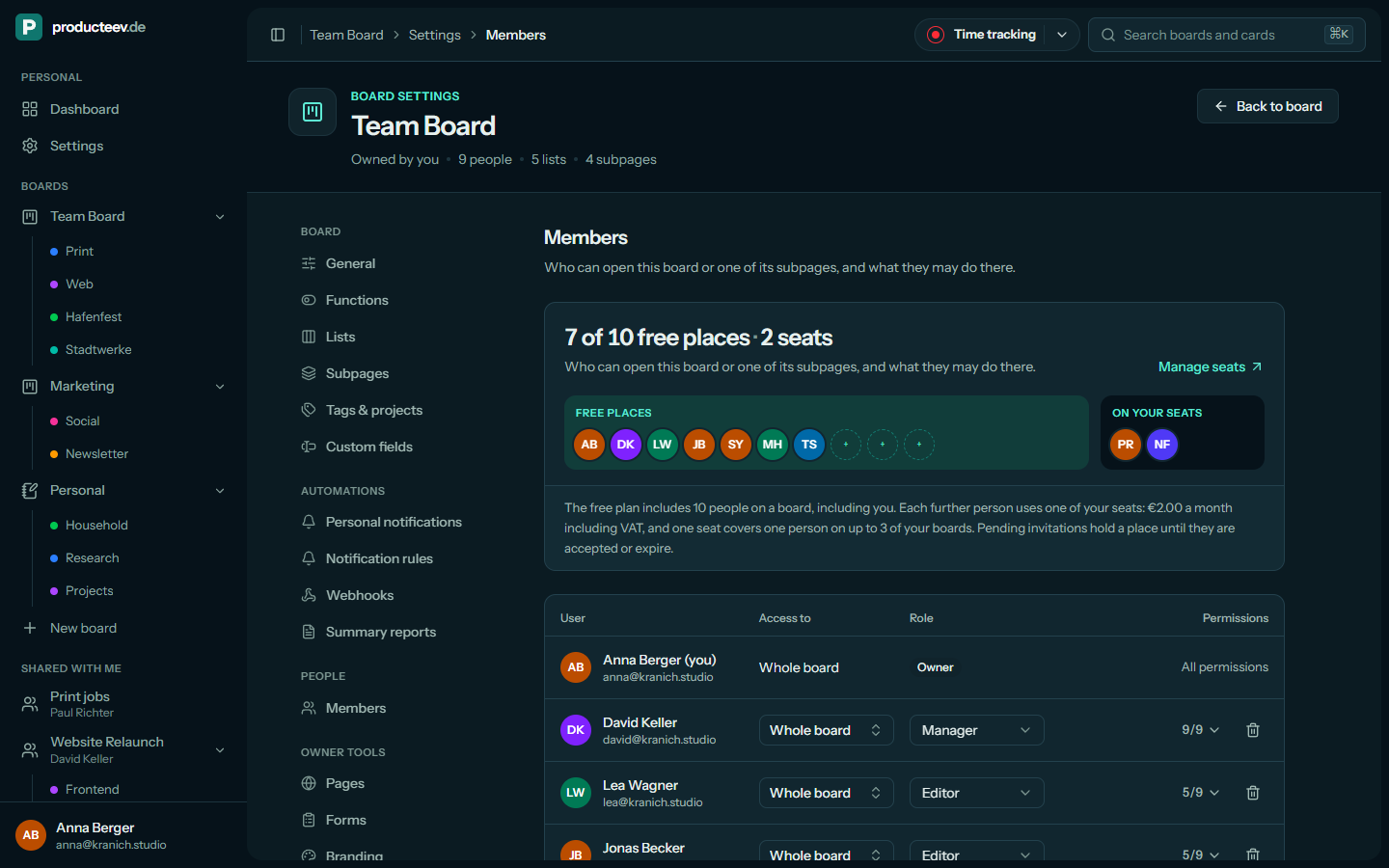
The owner of a board sees everything on it. Other members get a role, and people invited to a single subpage only see that subpage’s cards.
| Permission | Viewer | Commenter | Editor | Manager | Owner |
|---|---|---|---|---|---|
| View cards | Yes | Yes | Yes | Yes | Yes |
| Comment | No | Yes | Yes | Yes | Yes |
| Create cards | No | No | Yes | Yes | Yes |
| Edit cards | No | No | Yes | Yes | Yes |
| Move cards | No | No | Yes | Yes | Yes |
| Delete cards | No | No | Yes | Yes | Yes |
| Manage attachments | No | No | Yes | Yes | Yes |
| Manage lists | No | No | No | Yes | Yes |
| Manage subpages | No | No | No | Yes | Yes |
| Manage members | No | No | No | Yes | Yes |
| Rename and delete the board | No | No | No | No | Yes |
The roles are templates. If you combine permissions differently, the role is shown as Custom.
- Subpage members can’t manage lists or subpages. When a card no longer matches their subpage, they stop seeing it.
- All permissions are checked on the server, in the same place for web pages, the API, real-time updates, search, history and reminders.
- Invitations expire after 14 days, can be revoked, and only work for the invited, verified email address.
- An API token can only do what its scopes allow and what you are allowed to do on that board.
- Your personal board can’t be shared.
06
History and audit log
There are two logs: the history for everyone working on a board, and an audit log for the administrators who run the service.
Card history and the History page
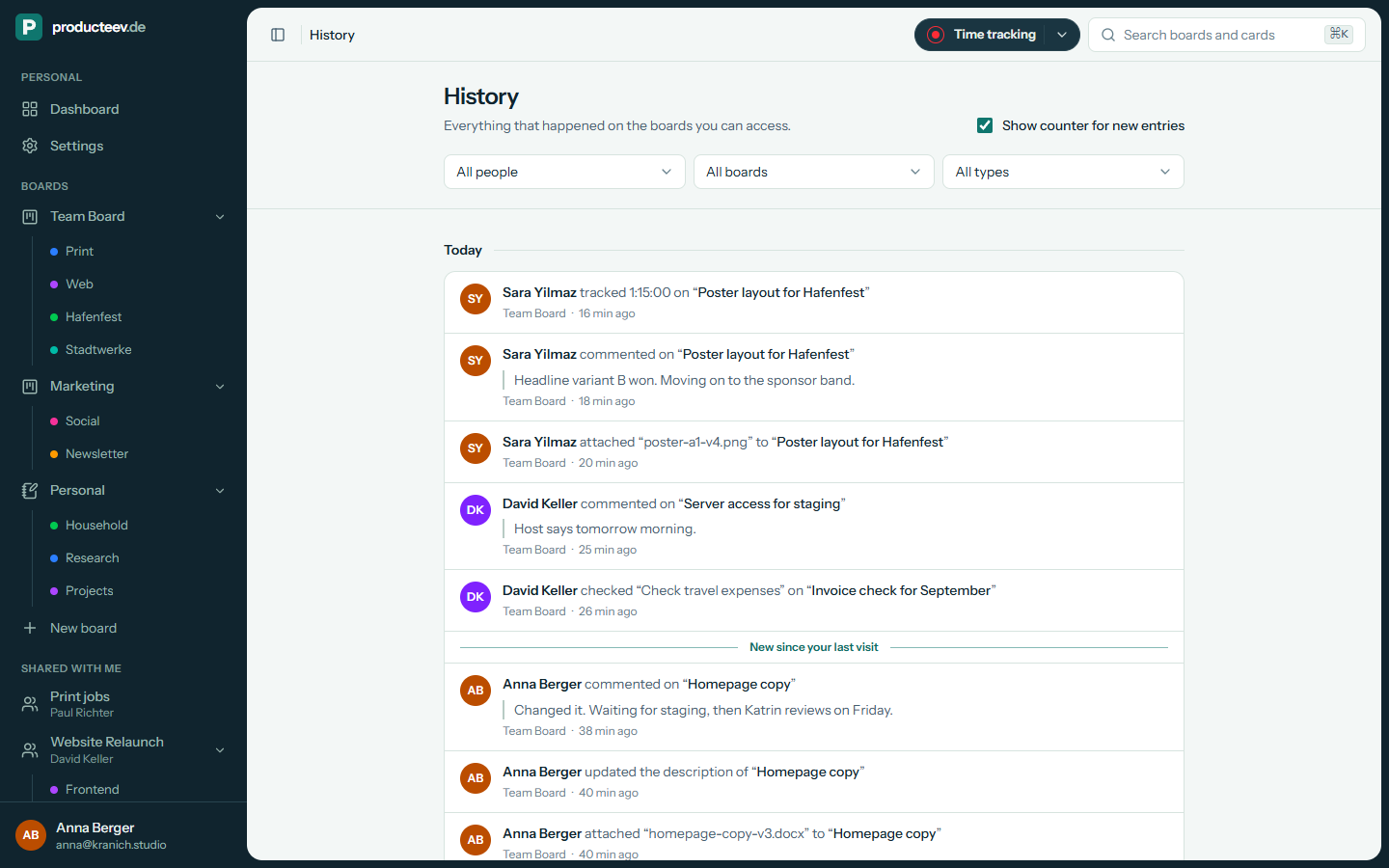
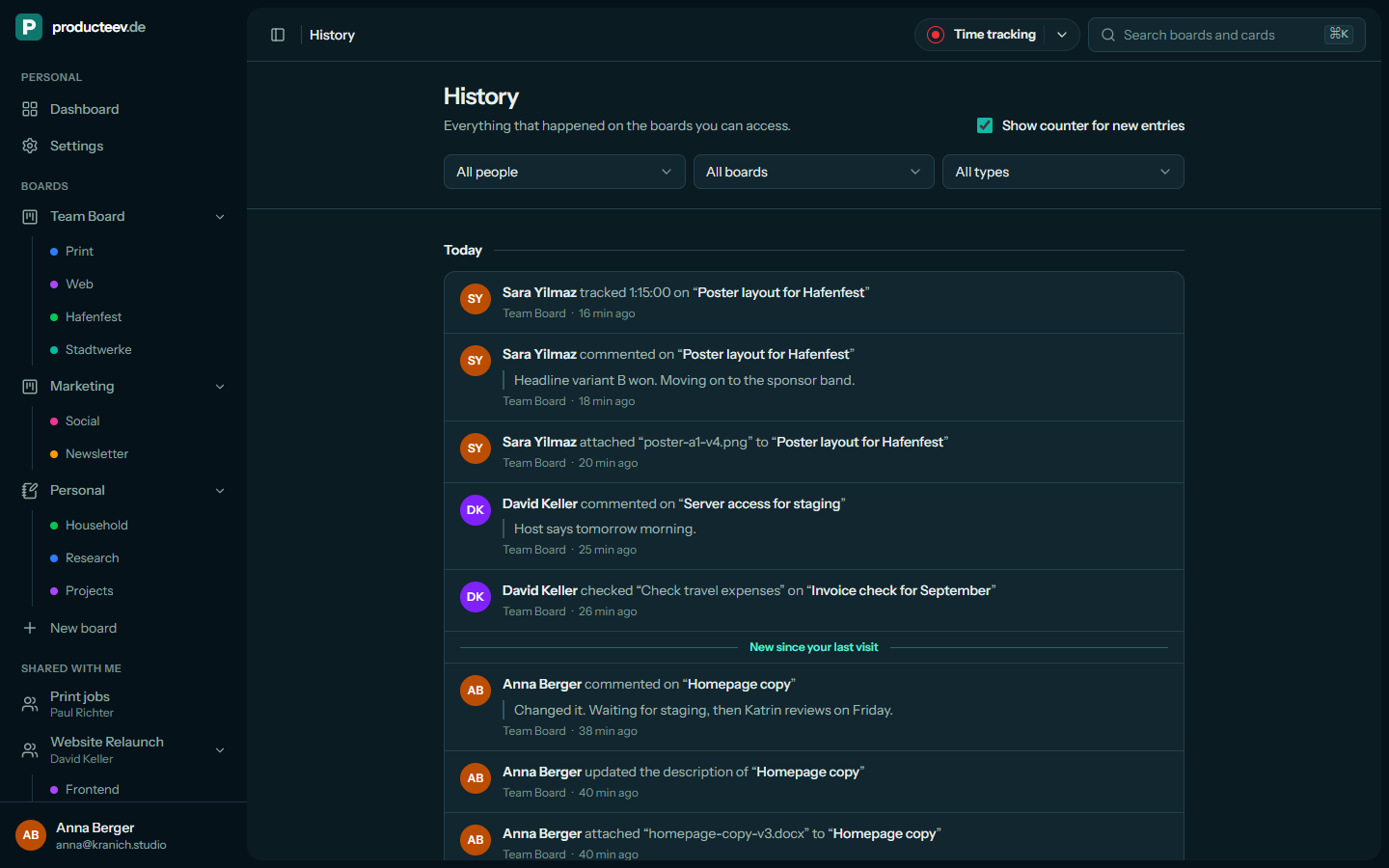
Every card has a timeline of moves, assignments, due dates, comments and attachments. The History page collects the changes on every board you can see. Changes made by an AI assistant are labelled with its name.
Admin audit log
The audit log records sign-ins and failed sign-in attempts, sharing, API tokens and apps, backup destinations, seats and deletions. Each entry stores the person, IP address and browser.
07
Safeguards
Further measures protect uploaded files, your session in the browser and the data on your phone.
Uploads
Uploaded files are checked by their content, because the extension alone is not enough. HTML, SVG, scripts and programs are refused. Files can be up to 25 MB, are stored under random names and are only served after a permission check.
Browser protections
The app uses a strict content security policy, cannot be embedded in other sites and only runs over HTTPS. Every change is also protected by a CSRF token.
Rate limits
Sign-ins, two-factor codes, API requests, uploads, search and invitations have limits per person or address. This slows down automated attacks.
On your phone
The app stores the boards you open encrypted with SQLCipher. The key is kept in the device keystore, and signing out deletes the local copy.
08
GDPR
What the website and the app store in your browser, and which service providers also process data.
Analytics only with your consent
The website only loads Google Analytics if you agree in the banner. Without your consent, nothing is loaded and no cookie is set.
Cookies in the app
Without your consent, the website sets no tracking cookie. The app sets a session cookie and a security cookie against cross-site requests. Both are needed to sign in.
Processors are listed in the privacy policy: Microsoft for sign-in and mail, Google only if you connect Google Drive, Cloudflare, the application host, Bunny Fonts for the typeface, and a push provider for the phone app.
- Ask for access, correction, deletion, restriction or a copy of your data at admin@producteev.de.
09
Data location
10
Deleting your account
You can delete your account at any time under Settings → Profile.
What happens
To delete your account, you enter your password. You are then signed out on every device, and your boards and data are deleted permanently. You are also removed from other people’s boards.
Take a copy first
Before you delete your account, download a backup of every board you own. You can keep the files wherever you like.
11
Report a problem
If you have found a vulnerability, please email us directly rather than opening a public issue.
Security reports
security@producteev.de
The contact is also in /.well-known/security.txt.
Write a reportContact: mailto:security@producteev.de
Expires: 2027-09-22T00:00:00.000Z
Preferred-Languages: en, de
Canonical: https://producteev.de/.well-known/security.txt
Policy: https://producteev.de/en-gb/data-security/