Features
What producteev.de can do.
See how producteev.de supports everyday work and makes processes simpler. Every core feature is included in the free-forever plan.
Backup and export
Back up a board with one click or on a schedule, to our server or to your Google Drive. You can download any backup as a ZIP file or restore it as a new board.
Data ownership
You keep the rights to your content. A backup holds your data as readable JSON and your attachments as the original files, so you can open it without producteev.de.
Sharing with clients
Invite clients and partners to the whole board or to a single subpage. Their role decides whether they can edit, comment or only read.
Real-time sync
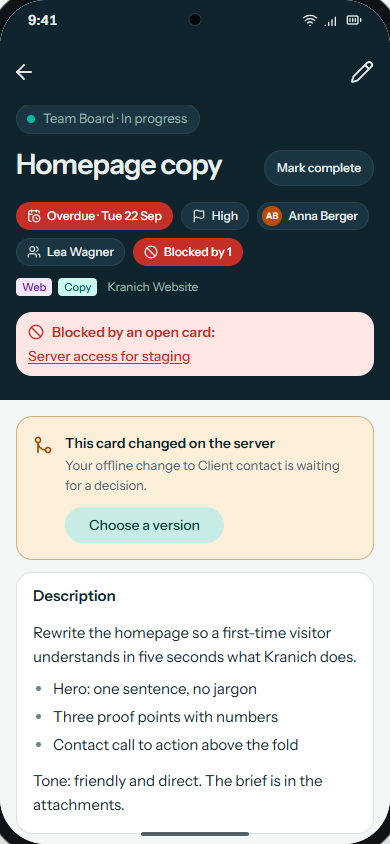
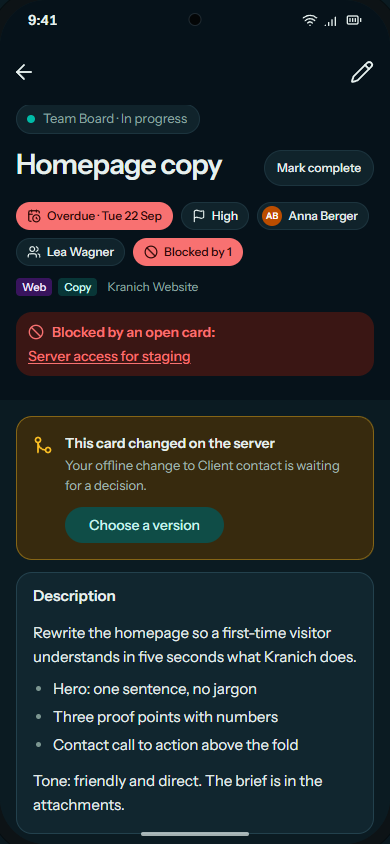
When someone moves a card, everyone with the board open sees it without reloading the page. If someone saves a card you are working on, you choose which version wins.
Calendar and time tracking
See due dates and work periods in the calendar and track time right on the card.
Reminders
producteev.de reminds you before a due date by email or push notification, 7 days, 3 days, 1 day, 3 hours or 30 minutes ahead.
History
Every change is logged. You can look at the timeline of a single card or at all changes on the boards you have access to.
Dashboard and search
The dashboard shows all your cards in one place. Press Cmd + K to jump straight to a board or a card.
Sign-in
Sign in with email and password, a Microsoft account or a passkey. You can also set up two-factor authentication.
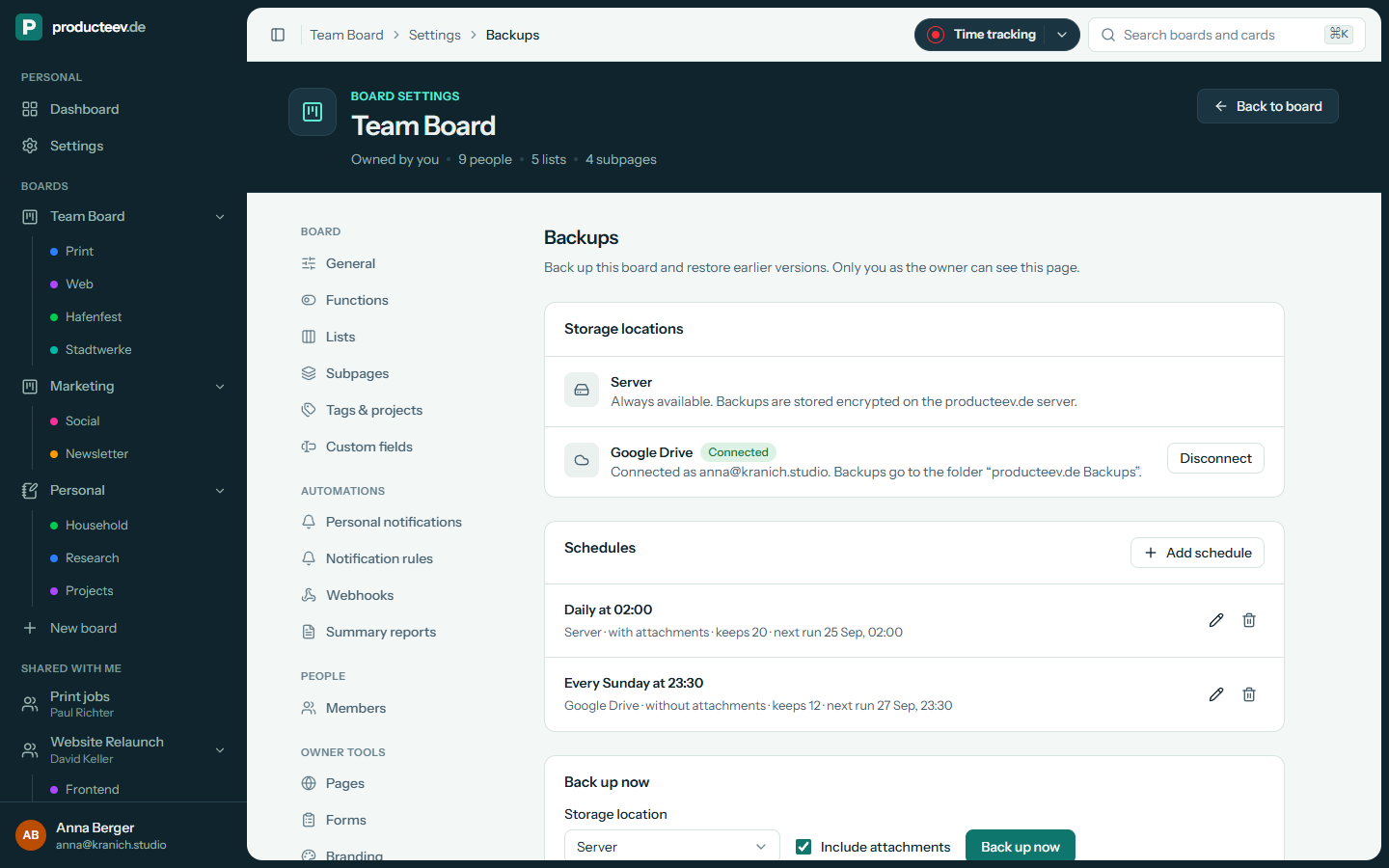
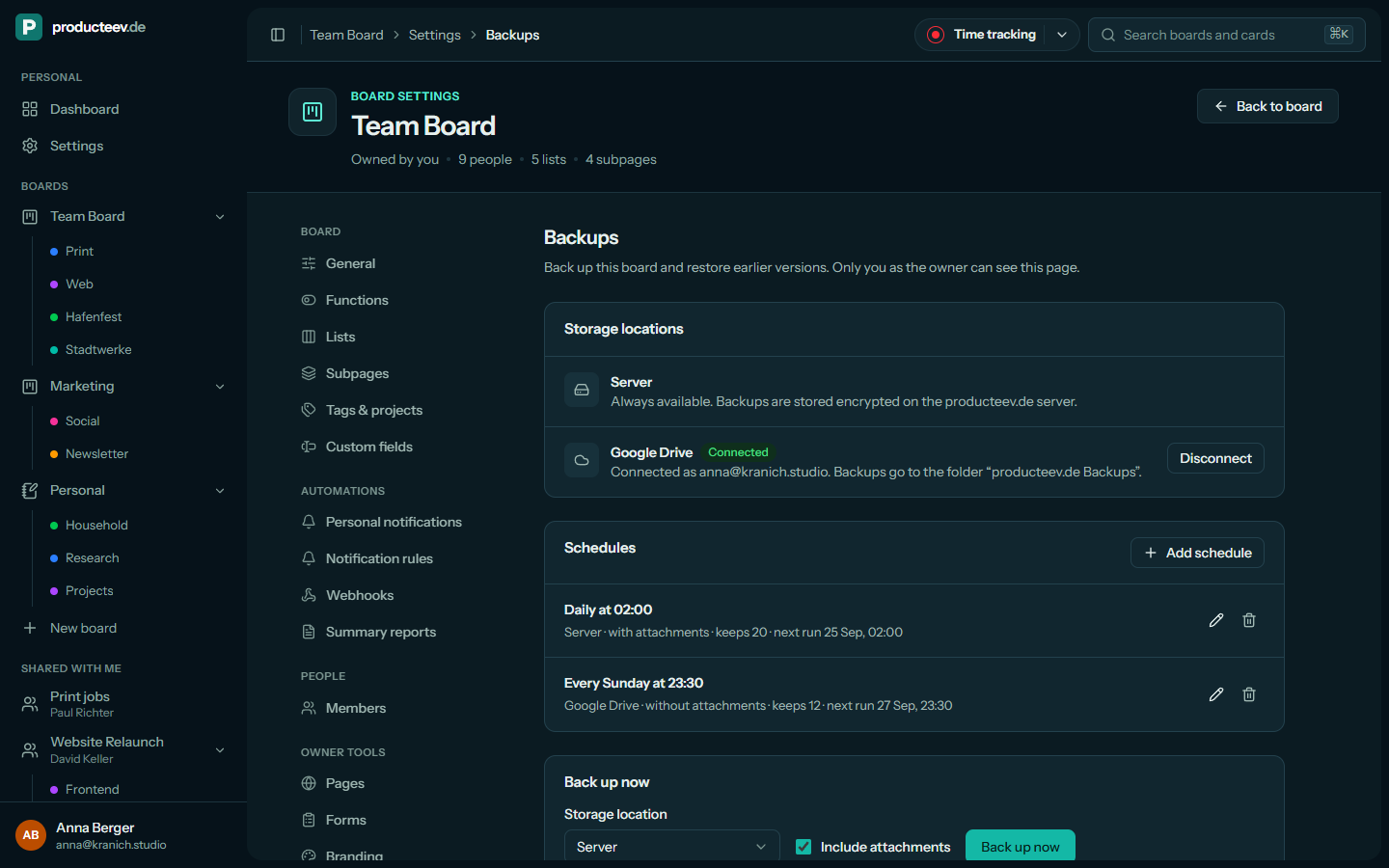
Backup and export
Back up your boards and take them with you whenever you like.
Create a backup with one click or let producteev.de make one on a schedule, for example hourly, daily or weekly. Backups are stored on the producteev.de server or in a folder of their own in your Google Drive.
Each backup is a ZIP file with readable JSON and your attachments. You can download it, restore it as a new board or replace the current board with it. Before a board is replaced, its current state is backed up automatically.
Sharing with clients
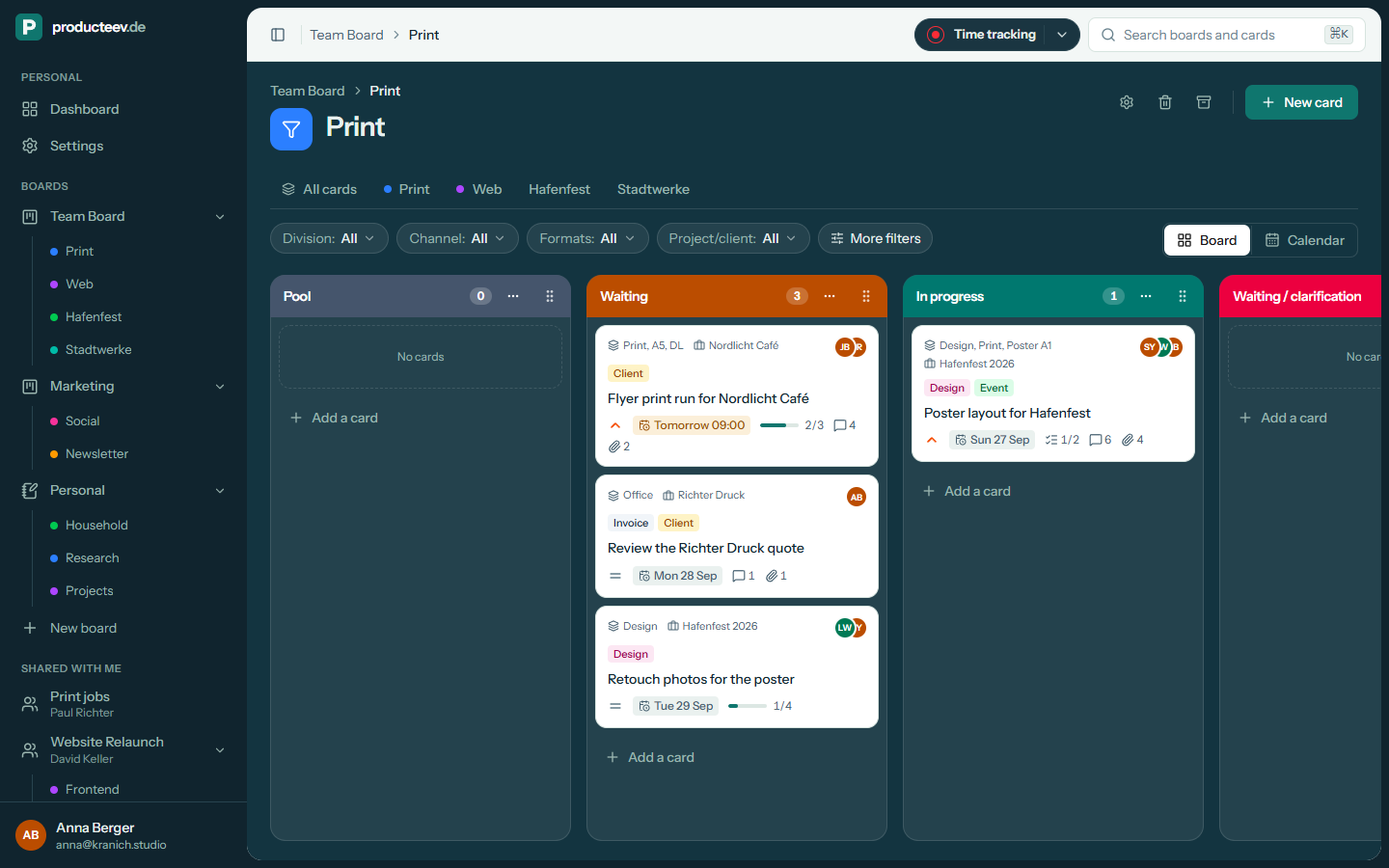
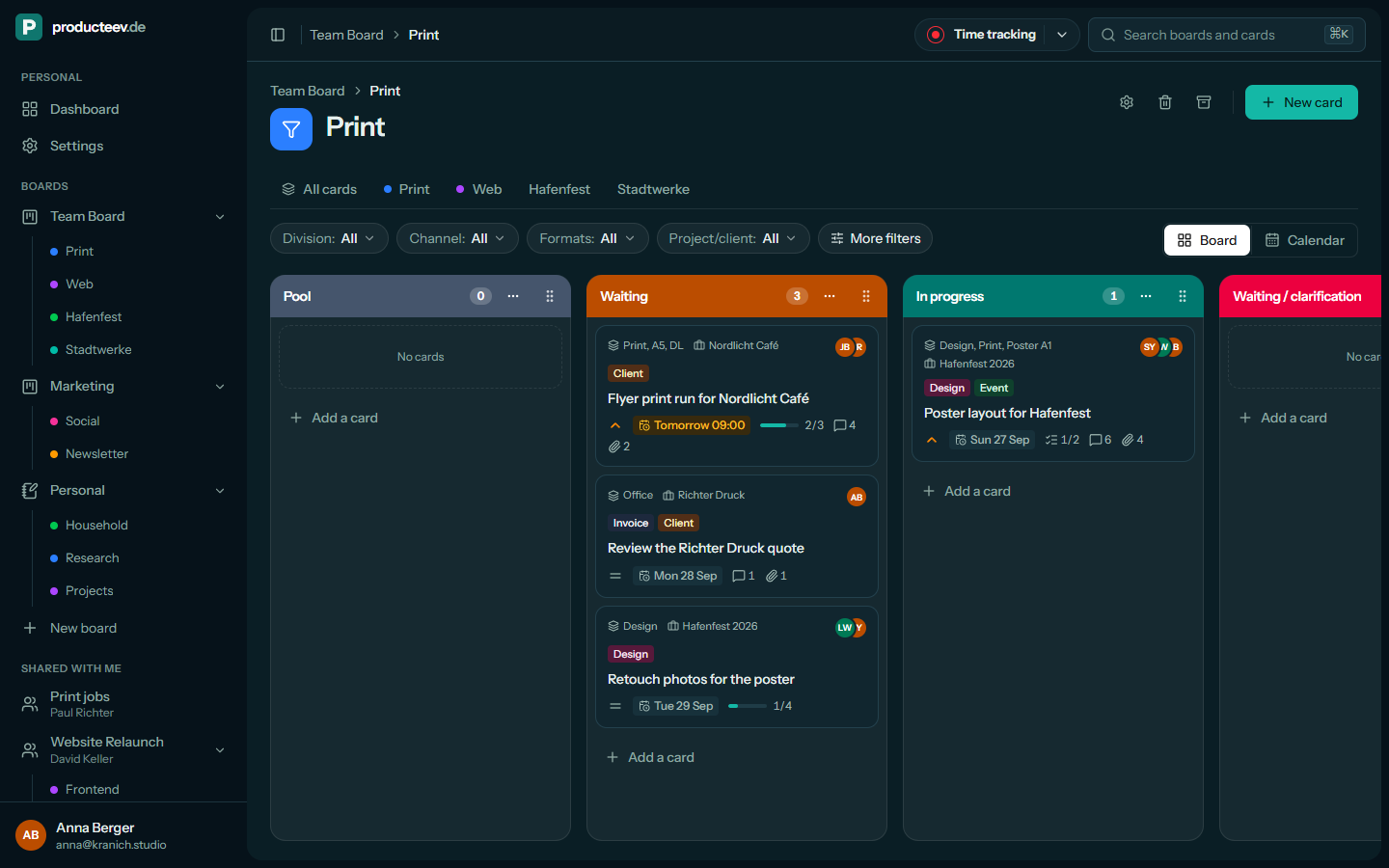
Clients only see the part of the board that concerns them.
A subpage is a filtered view of your board with its own members, for example showing only the cards of one project. You share that view with the people who need it, such as a client. All other cards stay hidden from them.
When a card no longer matches the filter, it disappears from the subpage. As soon as it matches again, it shows up there automatically.
Mobile
The board in your pocket.
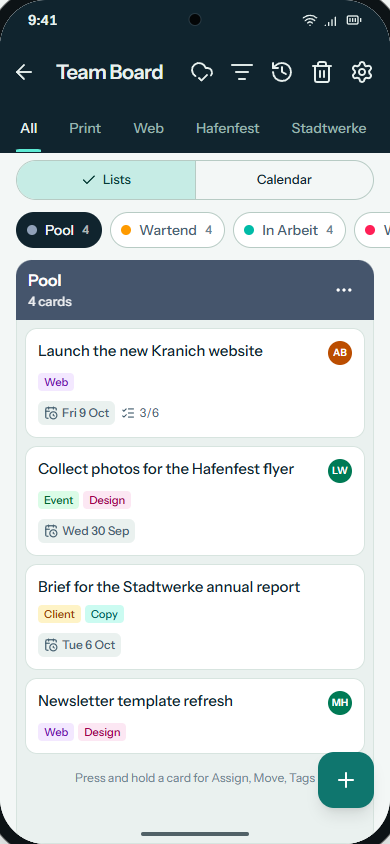
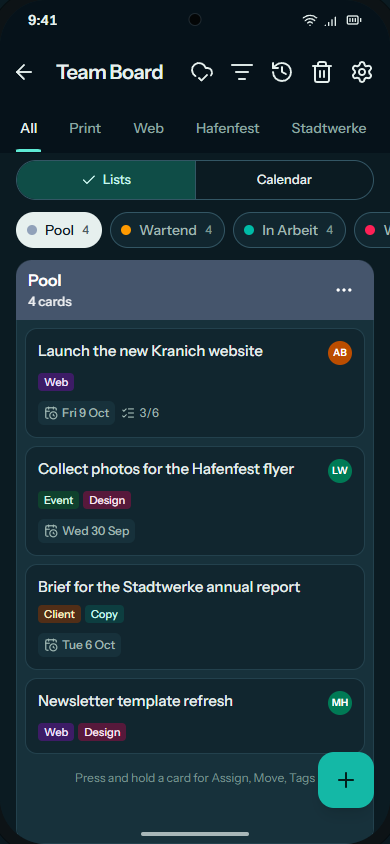
With the apps for iOS and Android your boards are always with you. On the go, you can jot down an idea as a card, check what is up next or tick off a checklist item.
Reminders and new comments arrive as push notifications, and you decide which ones you get.
Cards
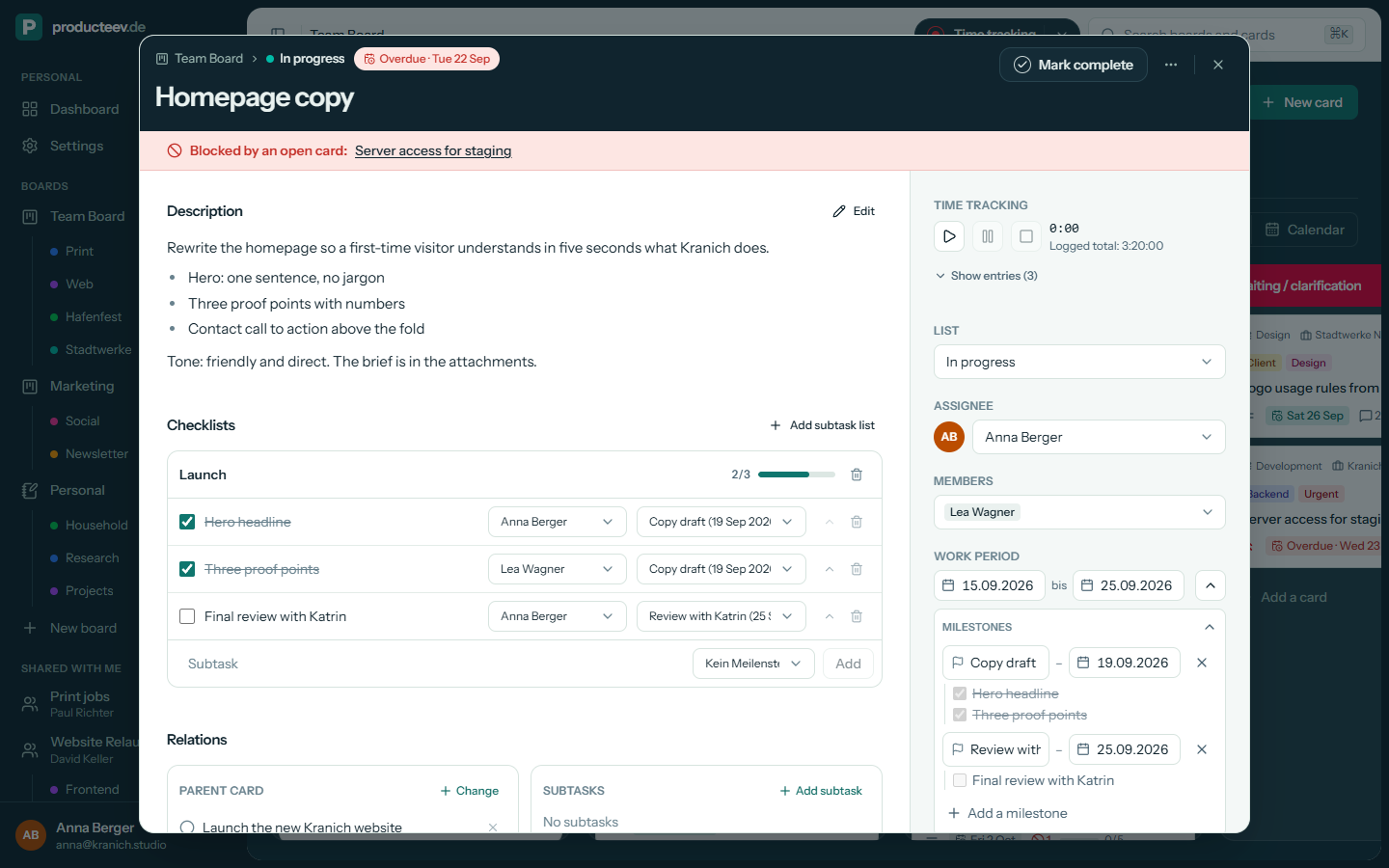
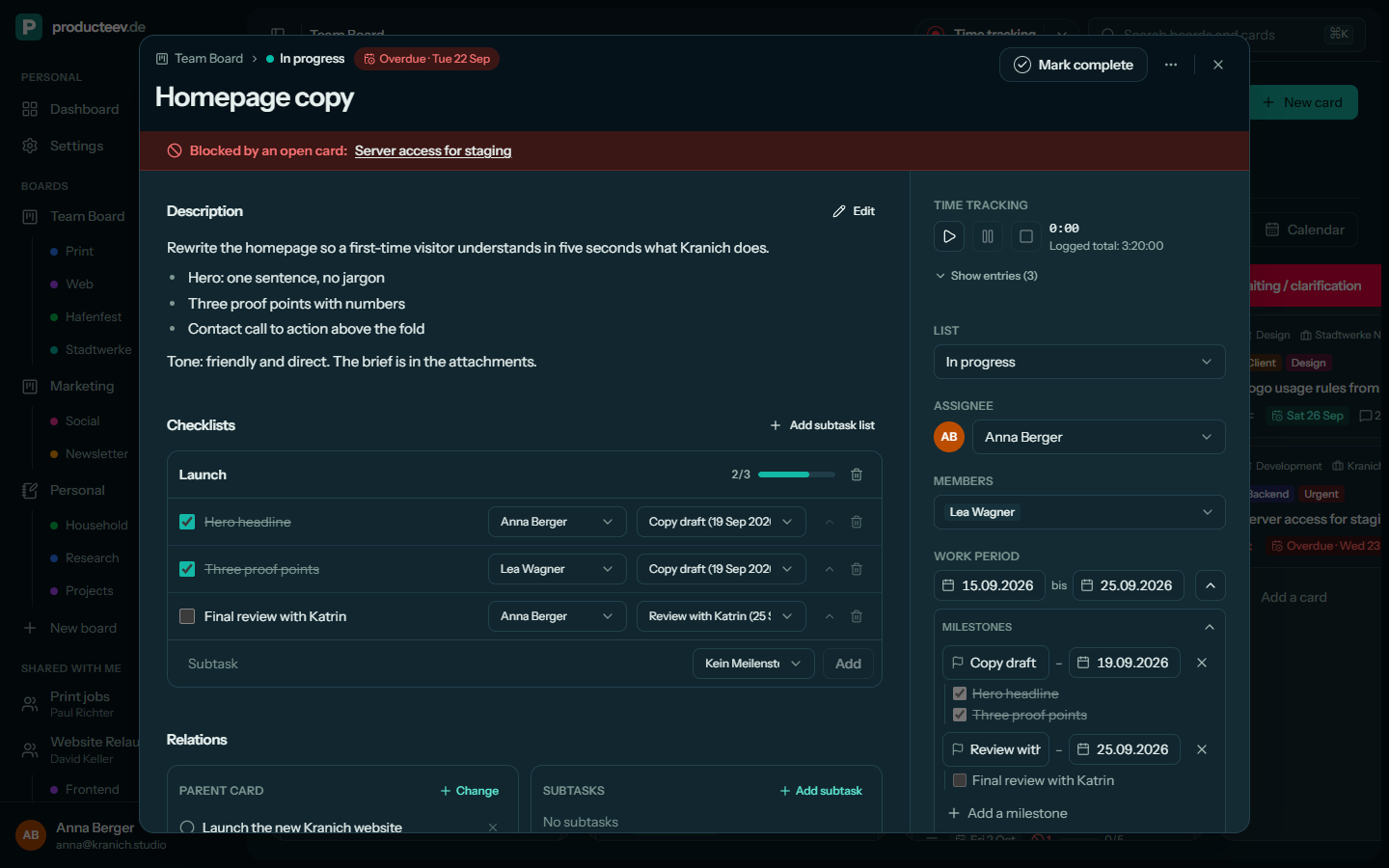
Everything about a task is on the card.
A card holds a Markdown description, checklists, subtasks, milestones, attachments, comments, custom fields and time tracking. Anything your team does not need can be switched off per board.
You get a reminder before the due date, and overdue or blocked cards are easy to spot on the board.
History
See what changed while you were away.
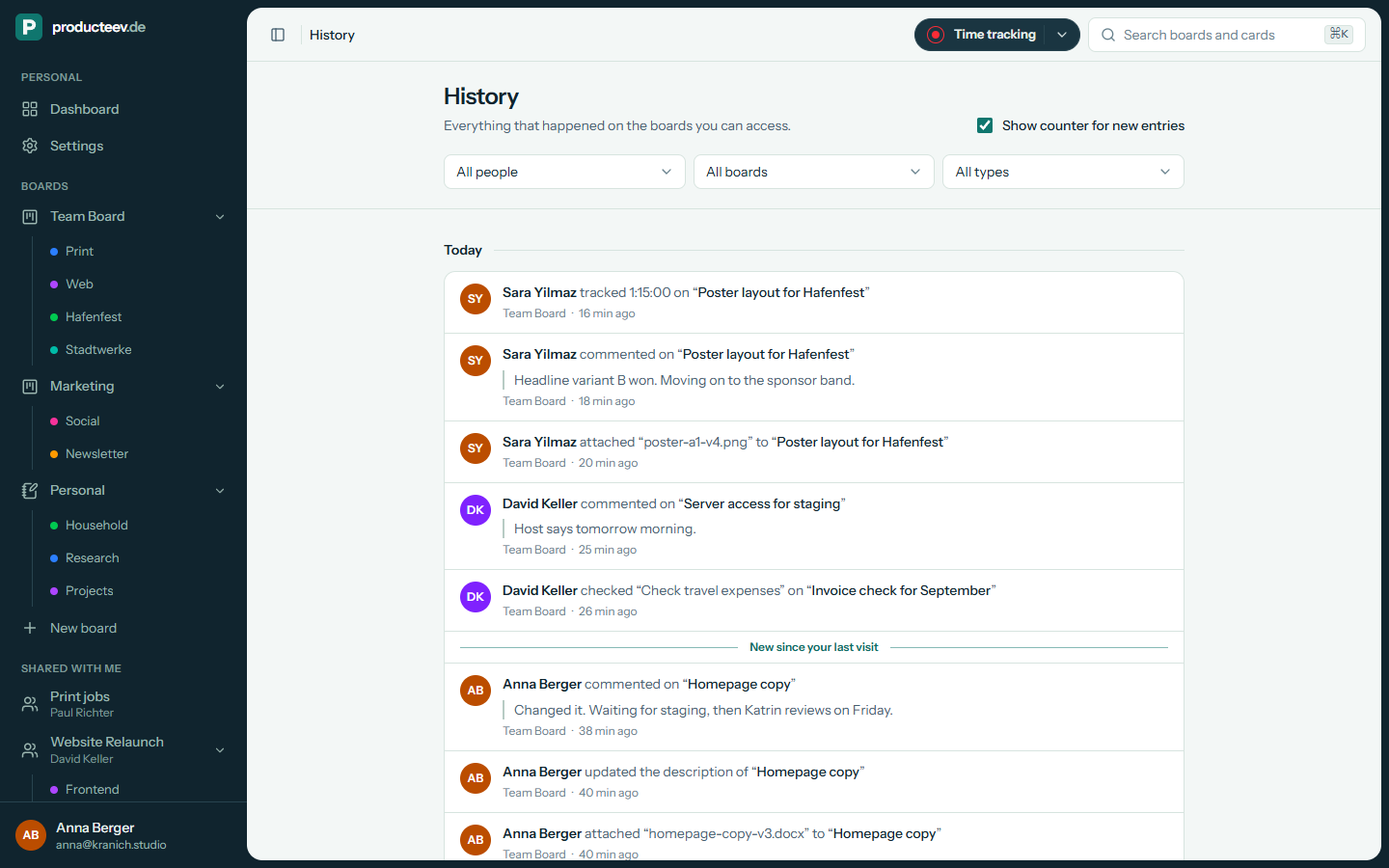
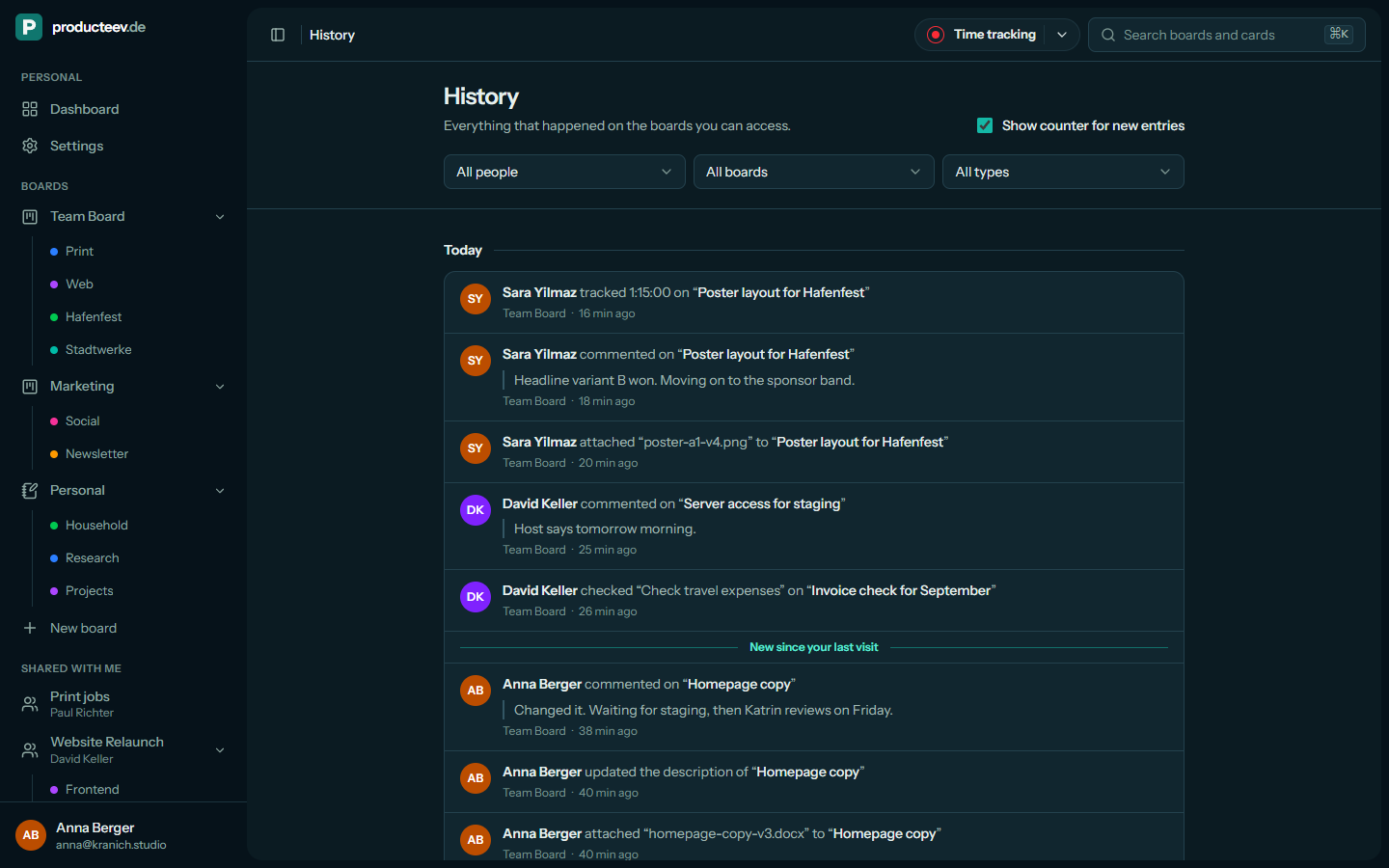
Every card has its own timeline. The History page lists the changes on every board you have access to, newest first, and marks what is new since your last visit.
When an AI assistant changes something on your behalf, its name appears next to yours.
AI assistant via MCP
Work on your boards with Claude, ChatGPT or Cursor.
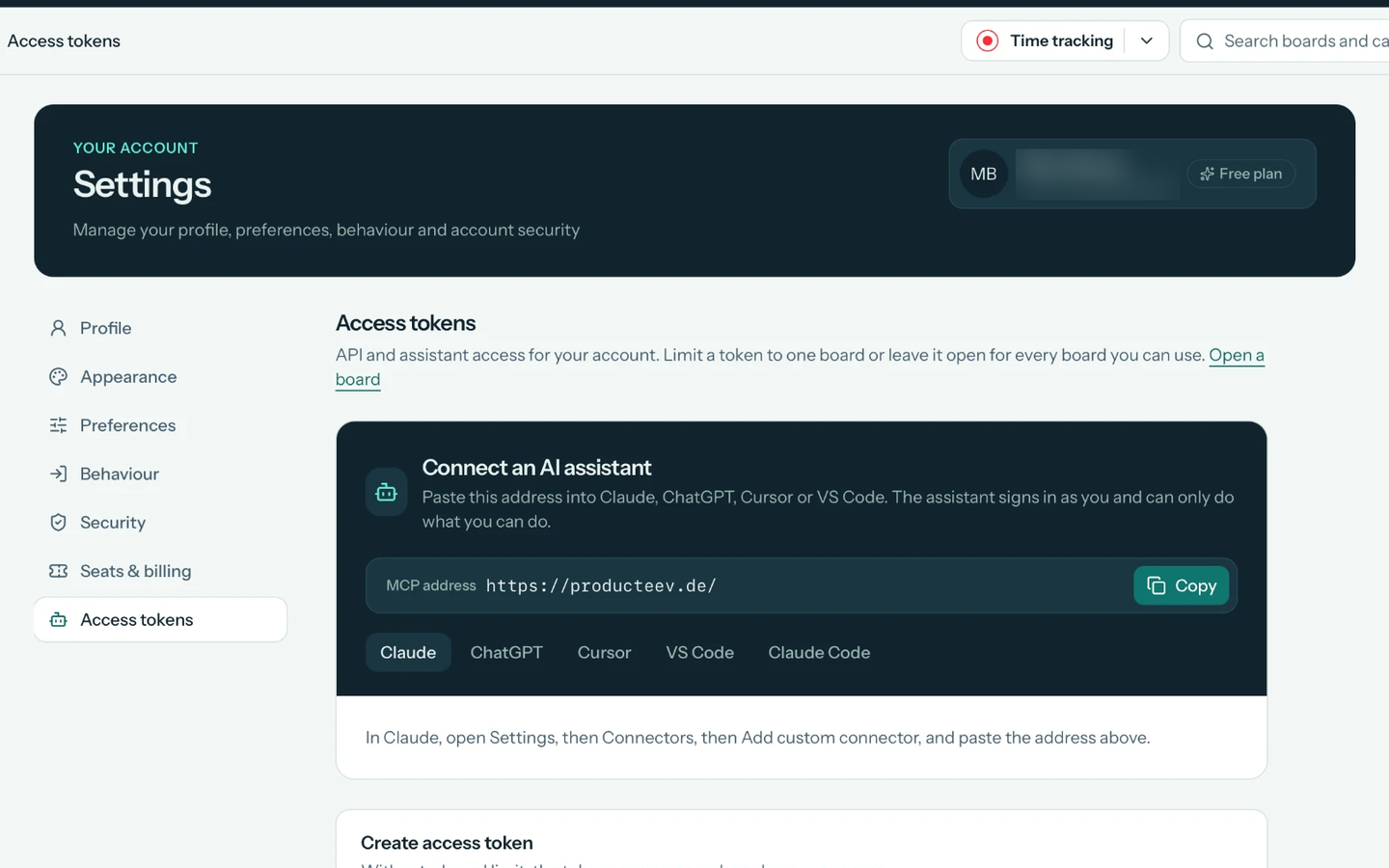
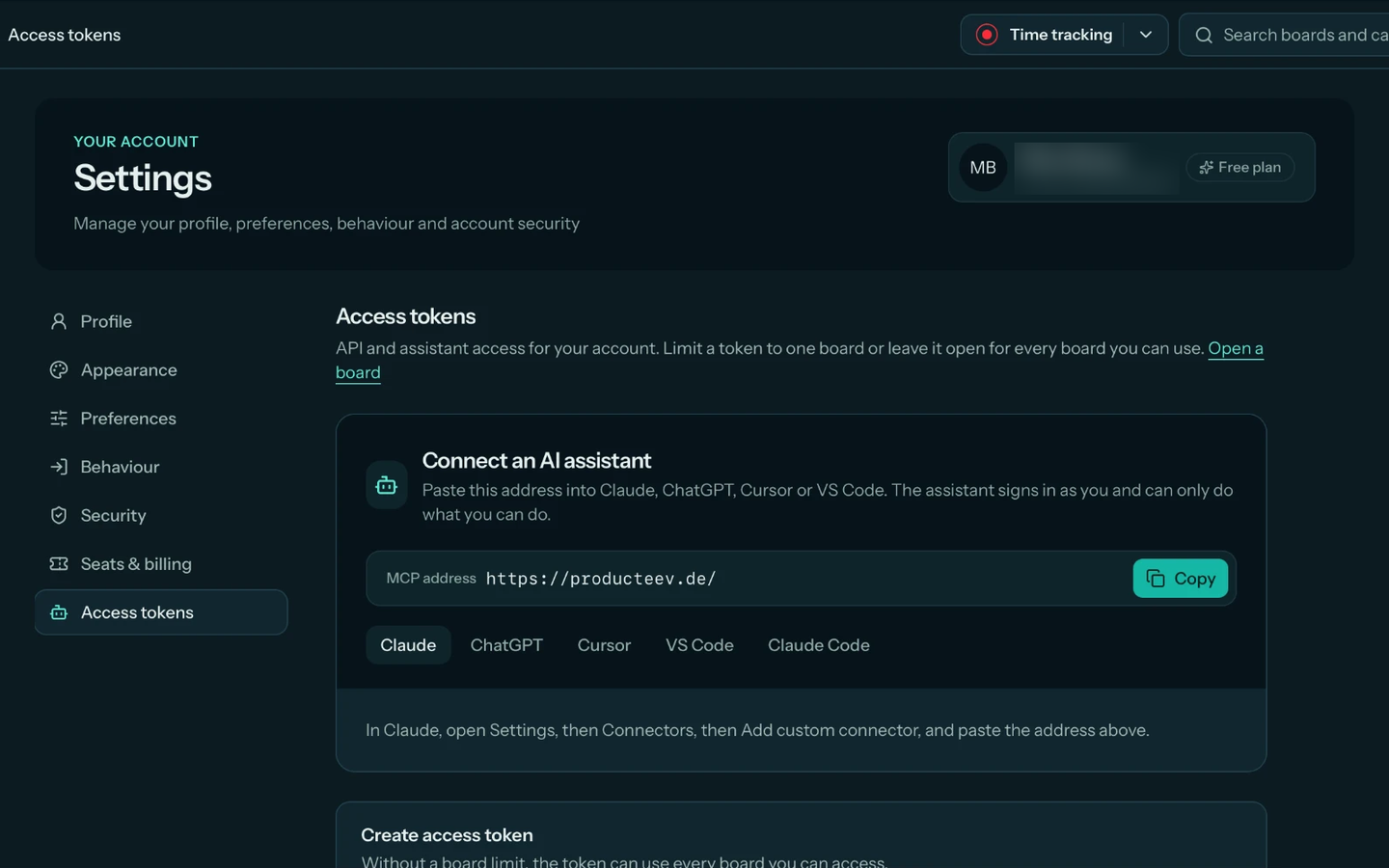
Connect your AI assistant to producteev.de via MCP. It reads, creates, moves, completes and comments on cards for you. Tools that delete something ask first.
The assistant does not get its own account. It signs in as you, can only do what you can do, and its name appears next to yours in the history.
Connected in three steps
- 1In producteev.de, open Settings → Access tokens.
- 2Copy the MCP address.
- 3Paste the address into your assistant and sign in.
Works with
- Claude
- ChatGPT
- Cursor
- VS Code
- Claude Code
Included in every plan, including the free one.
More features
More features at a glance.
Features for everyday teamwork and for connecting producteev.de to other tools.
Automations
Notification rules tell extra people about new cards, comments, completed cards or due dates. Webhooks send card events to Slack, Teams, Discord or your own HTTPS endpoint. PDF summaries arrive by email.
Custom fields
Add up to 30 custom fields per board, for example text, numbers, dates, checkboxes, select lists or people.
Checklists
A card can have several checklists. Each item can be assigned to someone and given its own due date.
Parent cards and blockers
Group related tasks under a parent card and mark which cards are holding up others.
Trash
Deleted cards go to the board’s trash. When you restore a card, it goes back into its original list.
Move or clone between boards
You can move or clone a card to another board if you are allowed to add cards there. When you move it, tags, project/client and custom fields from the old board are removed.
Only the features you need
Switch off features your team does not need, such as time tracking, milestones or checklists, per board. Choose simple mode, the full scope or pick each feature yourself. The setting applies to every member of the board.
API and AI assistant
With MCP you can connect an AI assistant on every plan. It acts on your behalf and only sees what you see. The REST API, which the web app uses too, is part of the power user features.
Power user
For boards you show to the outside world.
These features turn on automatically once you spend at least 10 EUR a month on seats.
Branding
Give a board your logo, your colours and a domain of your own. Anyone who opens that domain sees your branding, starting with the login page. If you like, you can hide the producteev.de name and logo there.
Public pages
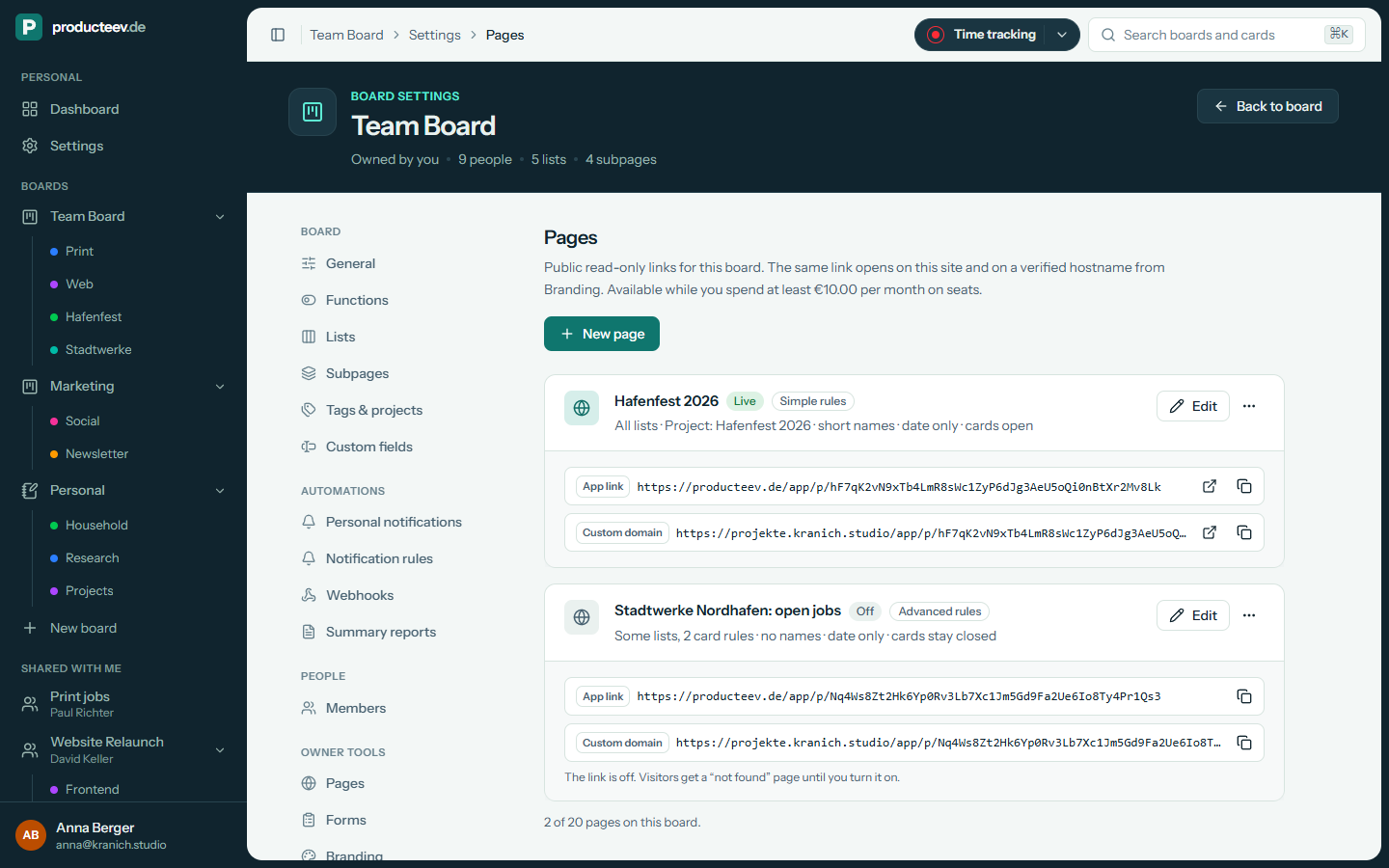
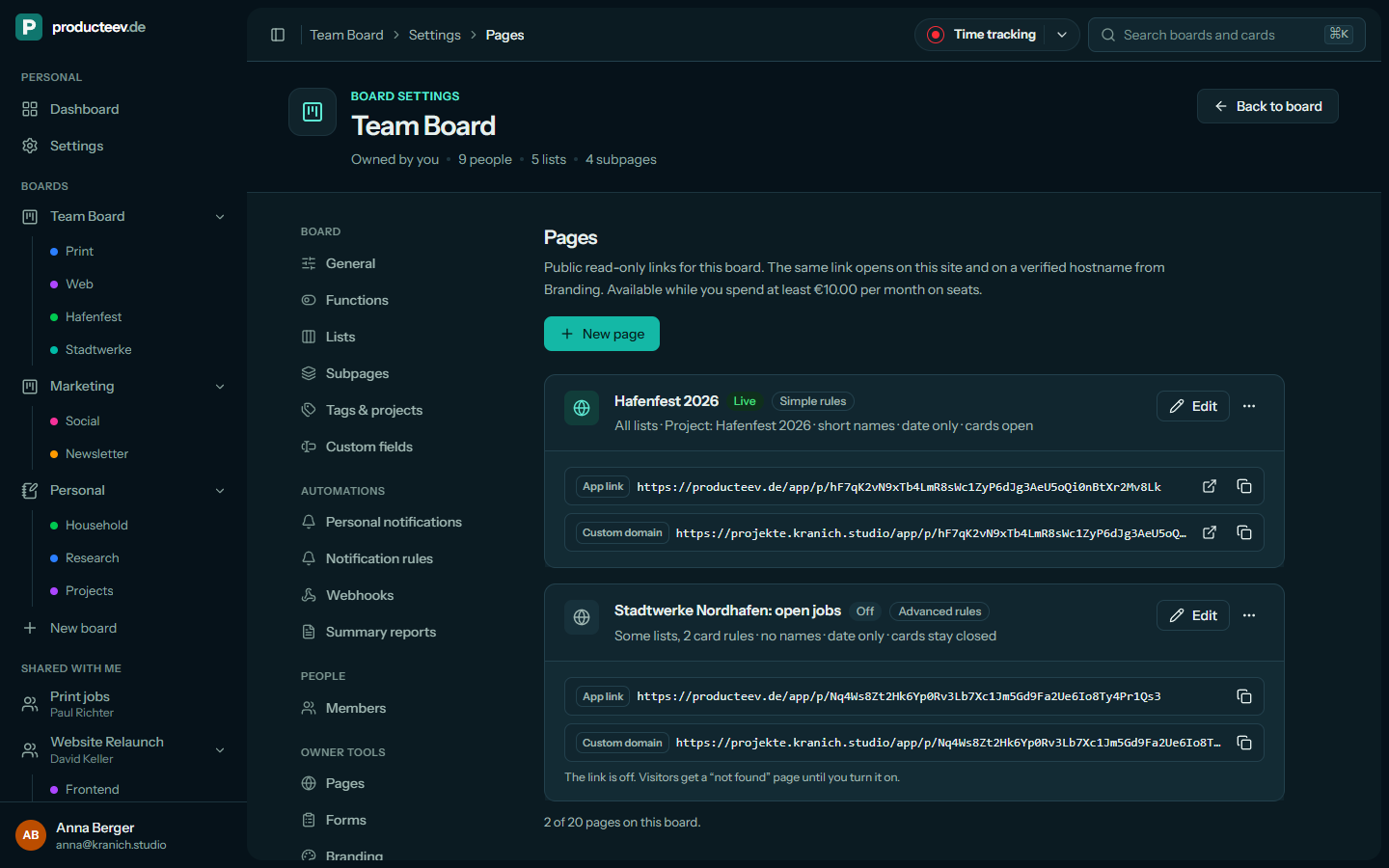
Anyone with the link can read the board but cannot change anything. You decide how much they see: from a simple overview that only shows the cards to cards that open up with further details. The link works on producteev.de and on your own domain.
Forms
Share a form through a public link. Each response becomes a card on the board. You can limit the number of responses, close the form or accept responses only from certain email addresses.
REST API
The REST API connects producteev.de to your other systems, such as your CRM, your accounting software or your own scripts. New orders can land on the board as cards automatically. You create board tokens in the board settings and give them only the rights they need: read, write or manage. Your own apps sign people in with OAuth. Every endpoint is listed in the API reference.
For organisations
Your own instance, on-premise or unlimited.
When the shared cloud isn't the right fit, we set up producteev the way your organisation needs it. We set up custom integrations, such as your identity provider, free of charge.
Isolated instance
A producteev instance of your own, just for your organisation and separate from every other customer.
On-premise
producteev runs on your own servers or in your data centre. Your data stays in your network.
Unlimited packages
No limits on users or boards, for large teams and whole organisations.